SF Bike controls and wheelies (Roblox)
SF Bike on Roblox. These keys are the ones named in public footage for the PC client. Throttle, brake, steering and lean prompts exist in the experience, but their keyboard letters are not written down. Console pads are not documented at all.
| Action | Key | Note | Sources |
|---|---|---|---|
| Pick up the bike | F, while standing next to it | Also how you mount. | 1 |
| First gear | E | Leaves neutral. The bike can still sit still. | 1 |
| Kick-start | On-screen prompt, no fixed letter published | Repeat until the engine catches. | 1 |
| Launch control | L while stopped, plus throttle and brake | A start boost, not a race mode. | 1 |
| Wheelie | Shift (sf-bike.wiki Cash guide) | Reported in one Cash guide; its controls guide does not specify a wheelie key. | 1 |
| Throttle, brake, steer, lean | Use the in-game prompt | Letters are not in the public notes. | 1 |
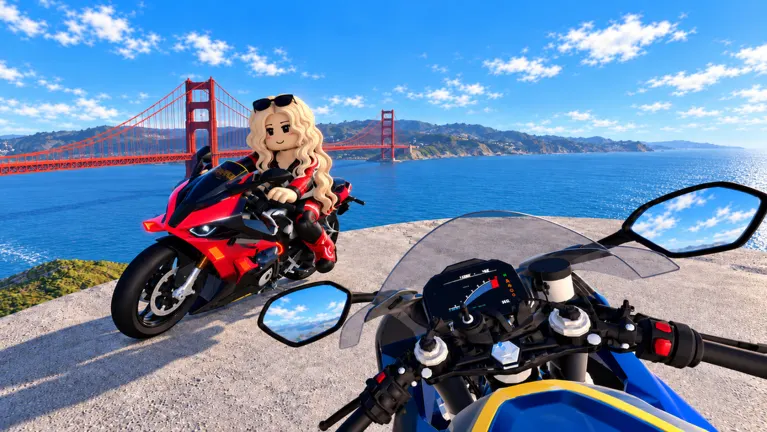
Start sequence
- Open Bikes and spawn, or walk to the Bike Store.
- Stand next to the bike and press F.
- Press E to leave neutral.
- Follow the kick-start prompt until the engine is running.
- Use a small amount of throttle. Launch control (L) is optional once you are stopped and stable.
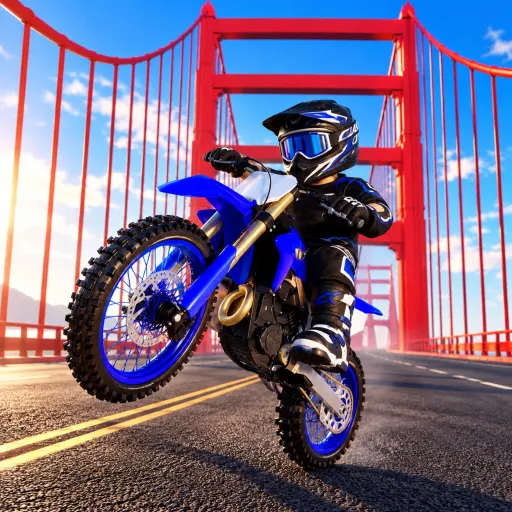
How to wheelie
Get a controllable speed on a straight, flat road. Press Shift to lift the front wheel. Lean forward to keep momentum, and lean back before a turn so the wheel comes down. Hills make the same hold harder. The wheelie is also the main Cash method, and the payout caps even if you hold it longer. Phone and PC share the code menu; vehicle keys can follow ordinary Roblox patterns and may change after a patch, so trust the prompt on screen if it disagrees with this table.